Decline signing
-
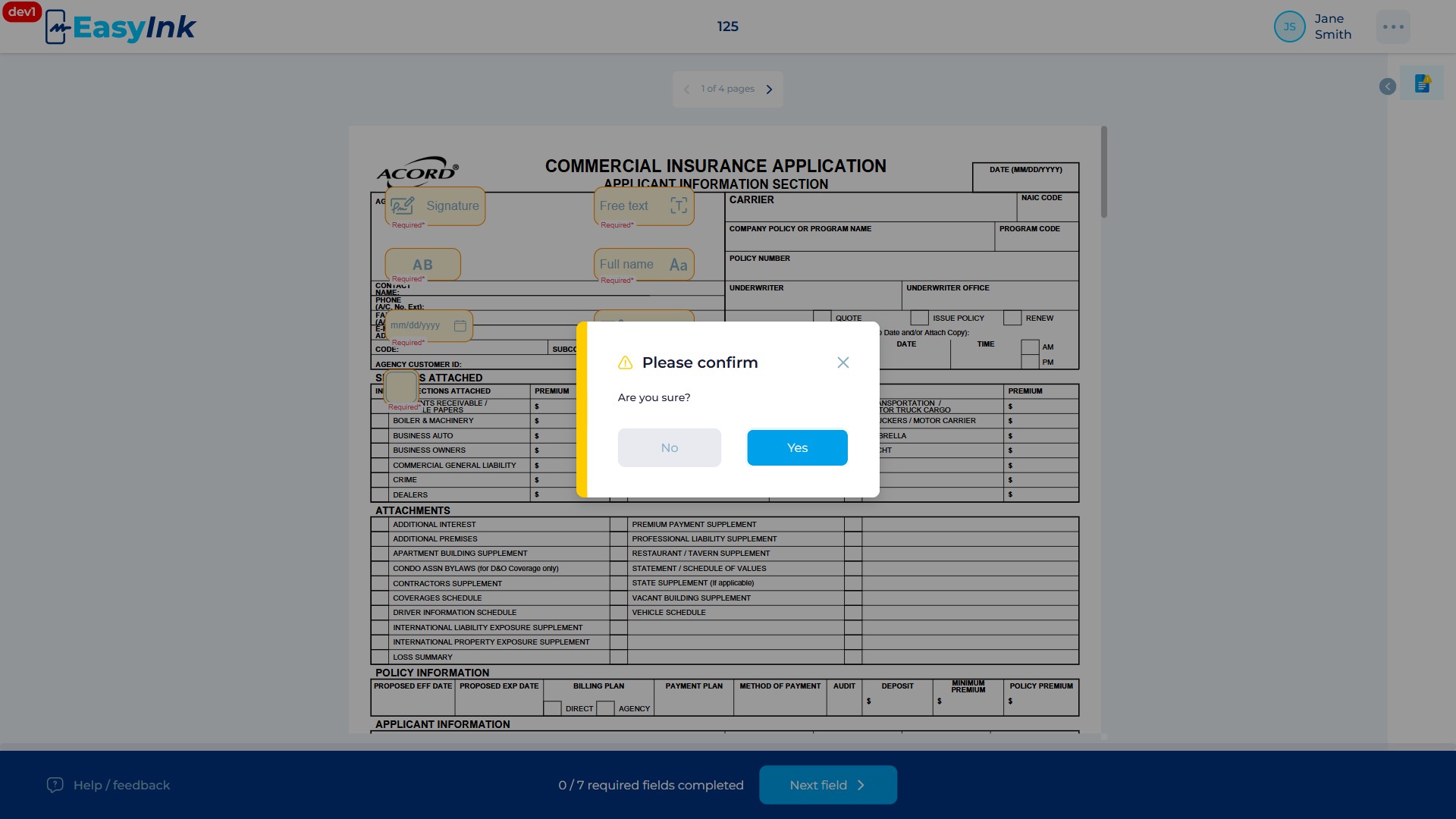
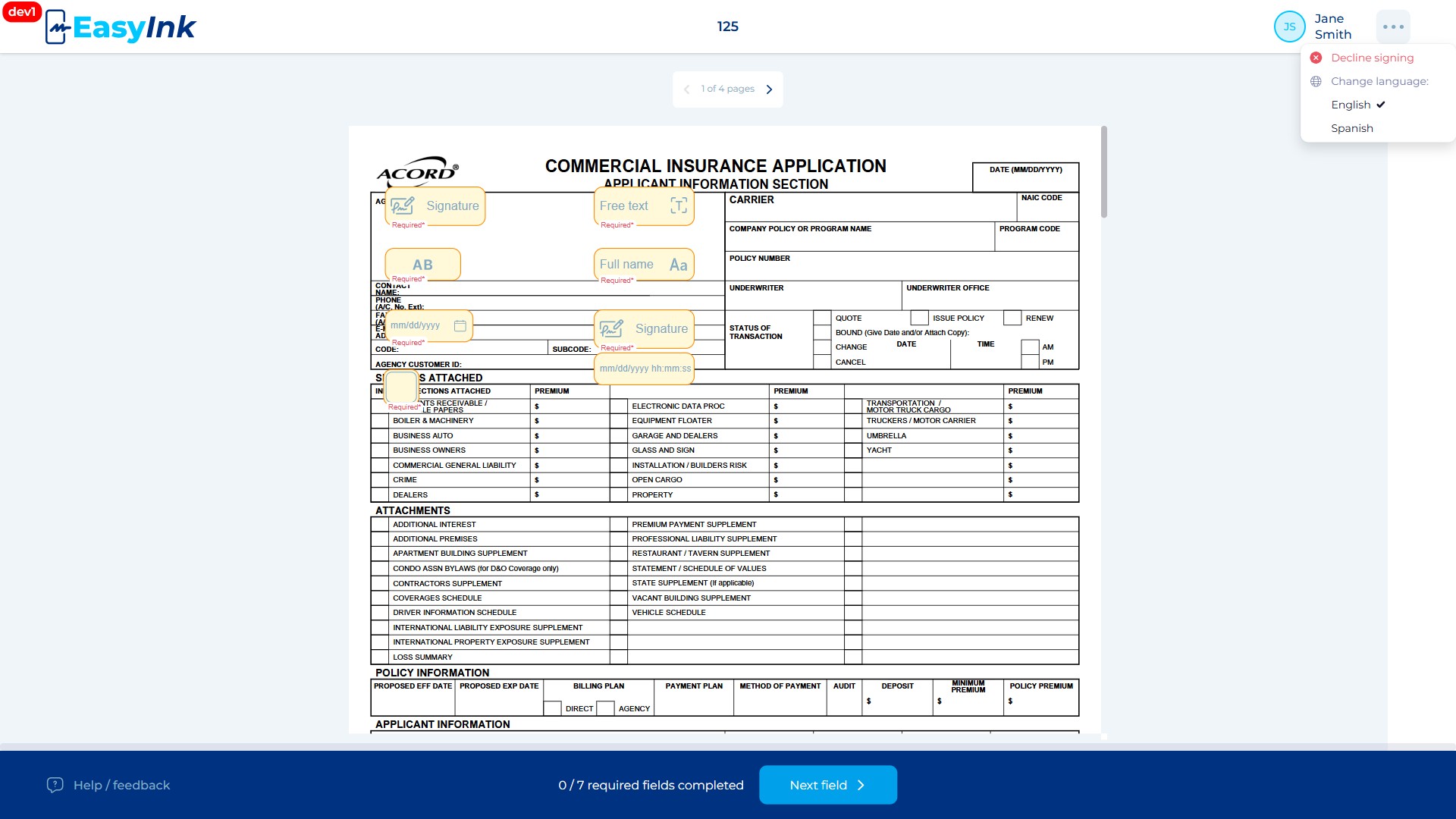
Open the Decline option: If you wish to decline signing, click the Decline option available from the options menu or the header area. A confirmation dialog appears asking you to confirm the decline action.
-
Confirm or cancel the decline: Click Confirm in the confirmation dialog to officially decline. Your participant session is terminated and your status changes to "Declined". The overall signing session status also changes to "Declined". A message sourced from the "Notice to signer, decline to sign" template is displayed. If you click Cancel or close the dialog without confirming, nothing happens and you remain in the signing portal.