Switch language
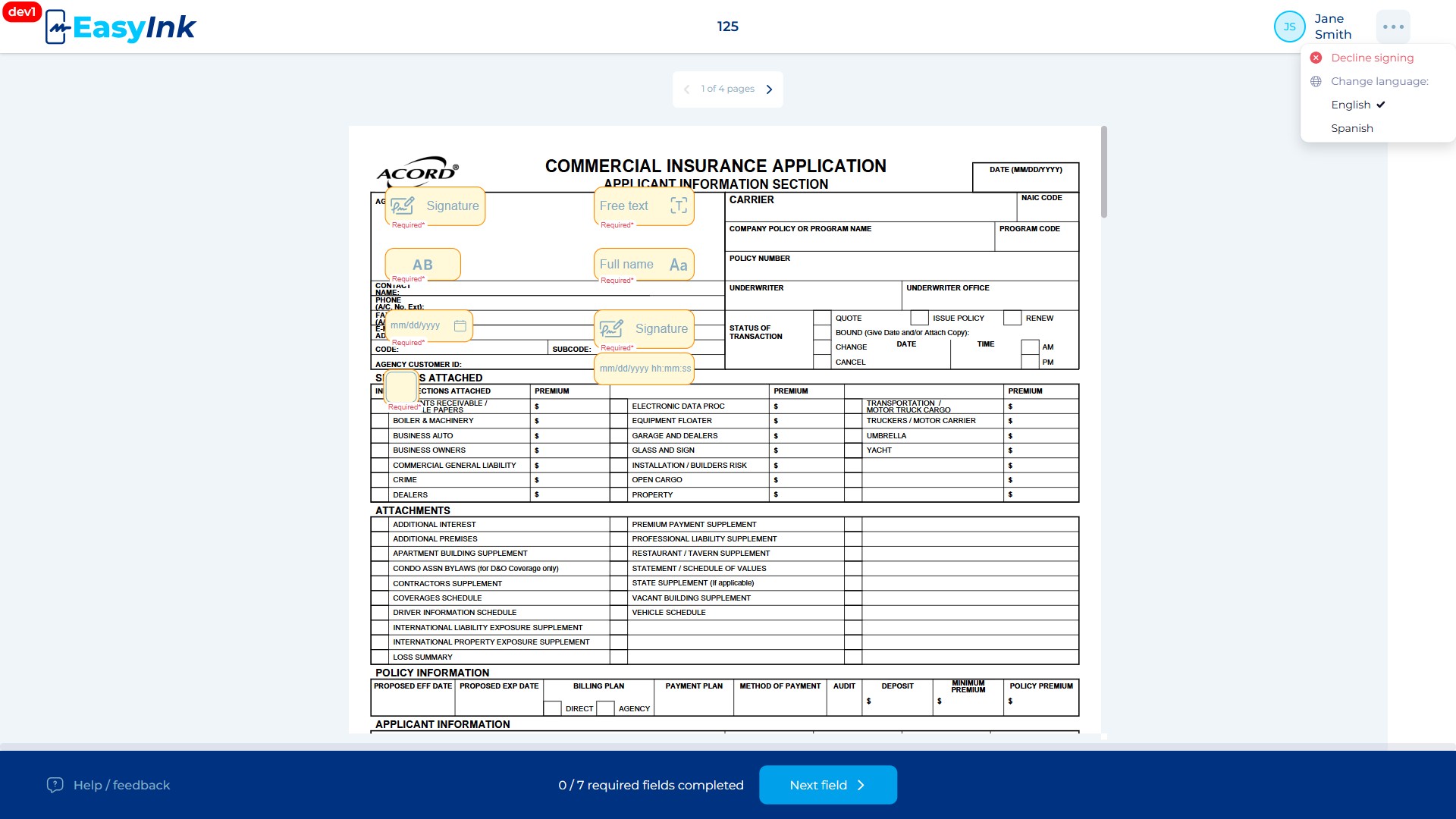
The Language Switching feature allows participants to toggle the EasyInk interface between English and Spanish. The feature is available from multiple screens across the application, including the signing portal, Terms and Conditions page, and Success Screen.
Prerequisites
- An active signing session in the EasyInk Signing Portal, or access to a page that displays the language switcher
- The signing session must have language options enabled in Settings
Step-by-Step Instructions
- Switch the portal language: Access the language switcher from the header or options menu at any point during the signing process. Toggle between English and Spanish. All UI text, labels, buttons, and system messages change accordingly to reflect the selected language.