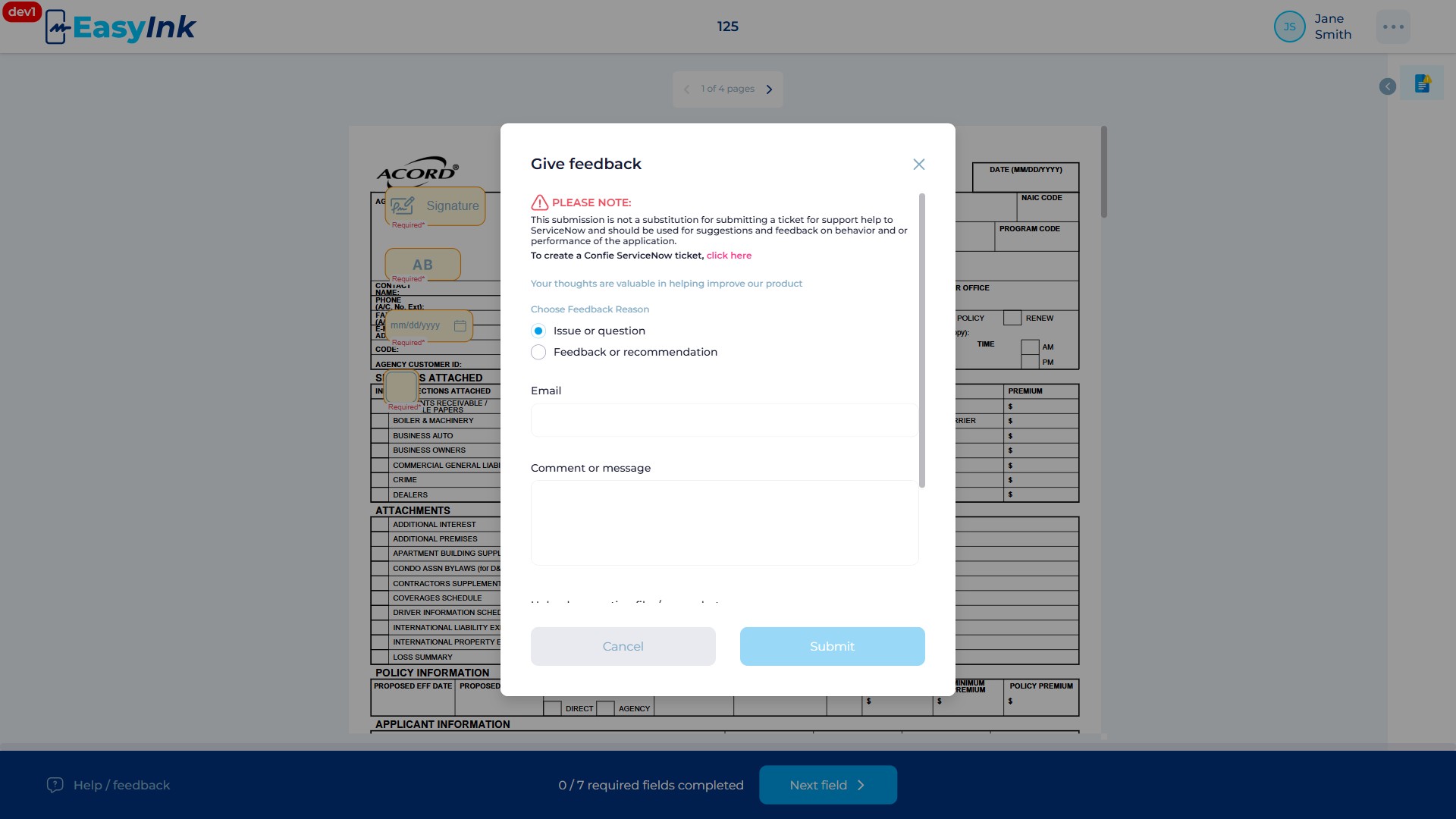
Send feedback
The Help/Feedback feature allows participants to submit feedback or request assistance directly from the EasyInk interface. The feature is accessible from multiple screens across the application, including the Terms and Conditions page and the signing portal document view.
Prerequisites
- An active signing session in the EasyInk Signing Portal, or access to a page that displays the Help/Feedback button
- Access to either the Terms and Conditions page or the document signing view
Step-by-Step Instructions
- Access Help/Feedback: The Help/Feedback button is accessible from both the Terms and Conditions page and the signing portal document view. Click the Help/Feedback button to open the "Give feedback" modal where you can submit feedback or request assistance. The modal supports both English and Spanish languages.